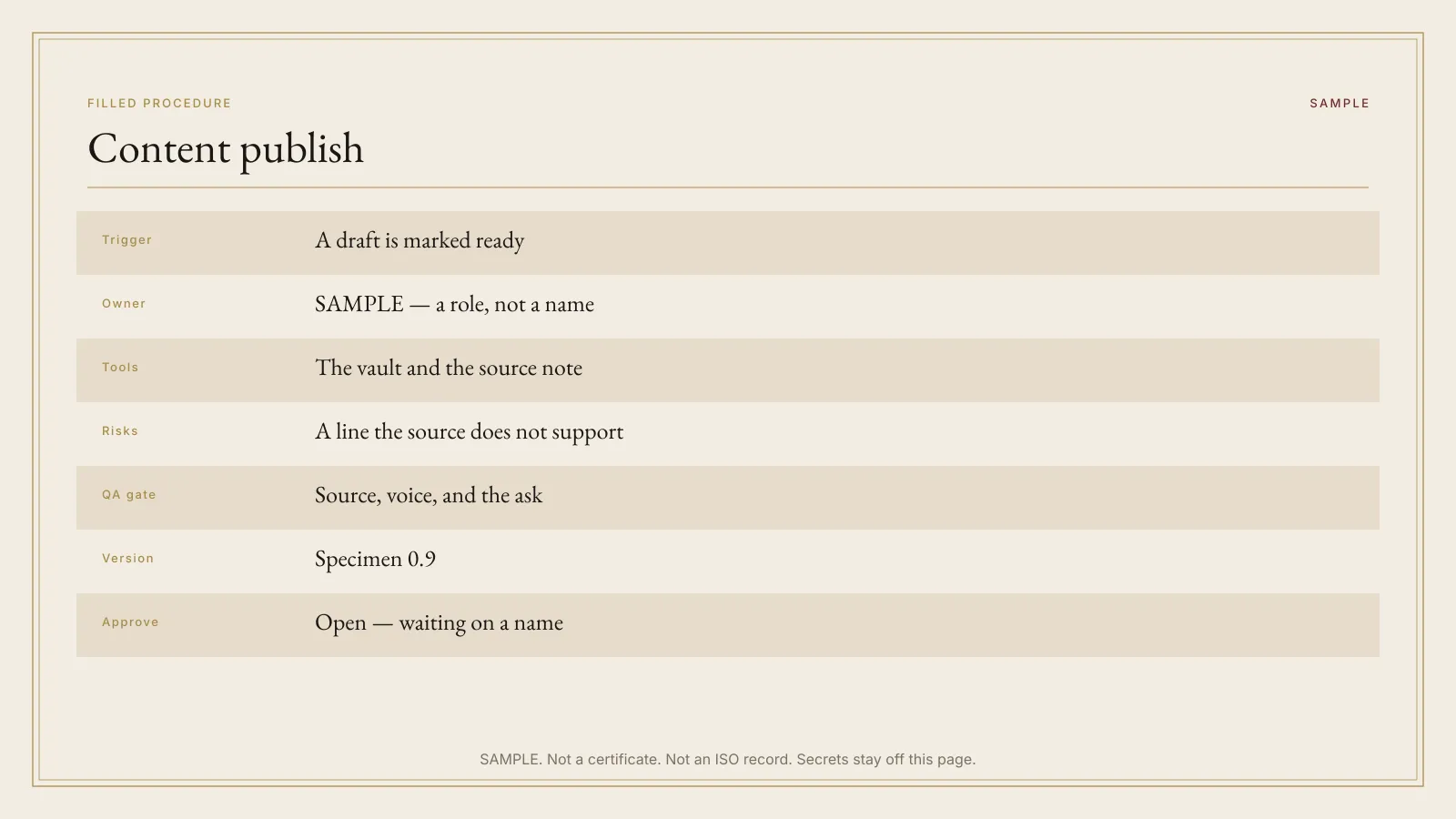
Fill the trigger, the owner, and the QA line before you ask a model for steps.
Approve line
AI SOP Builder for Small Teams
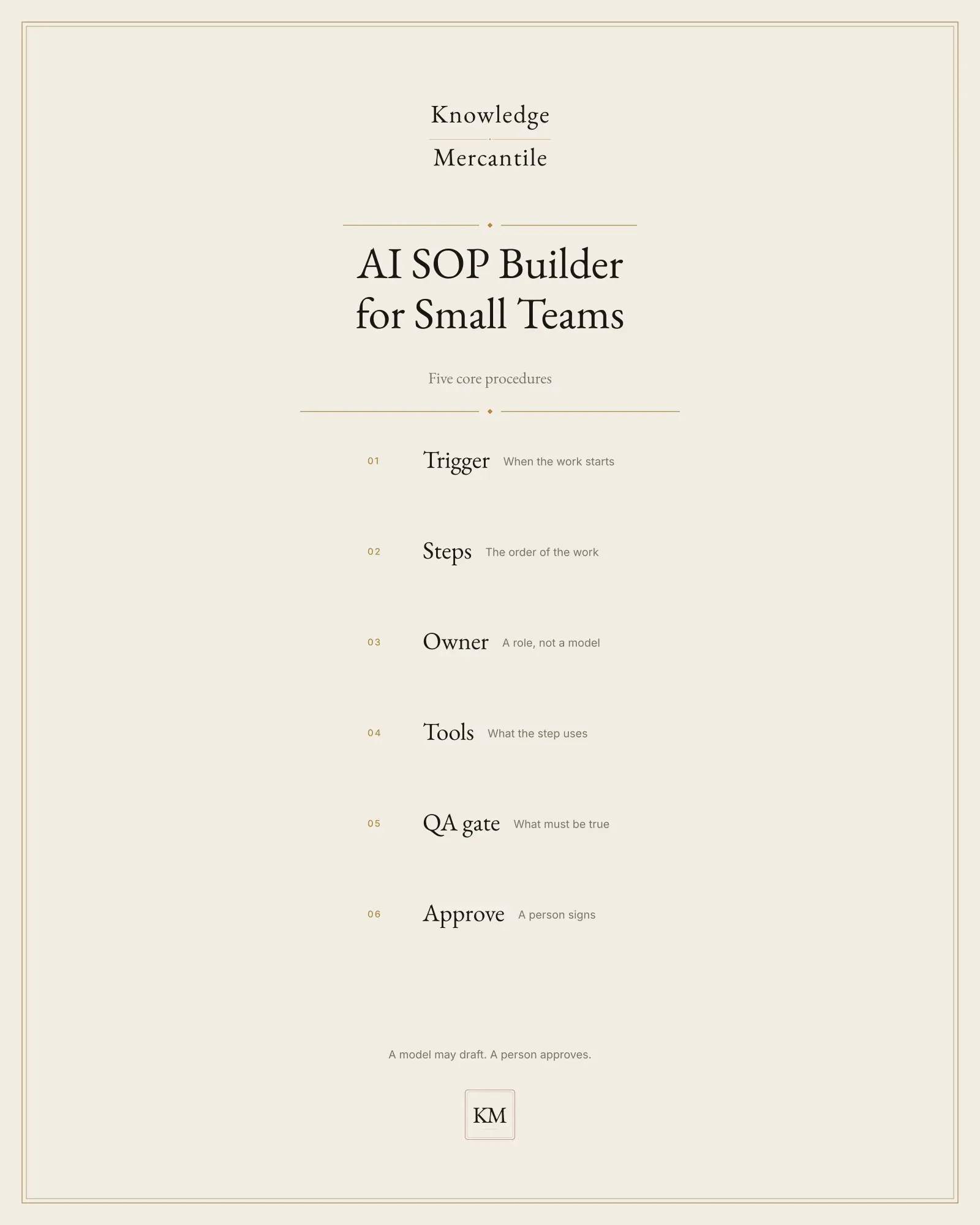
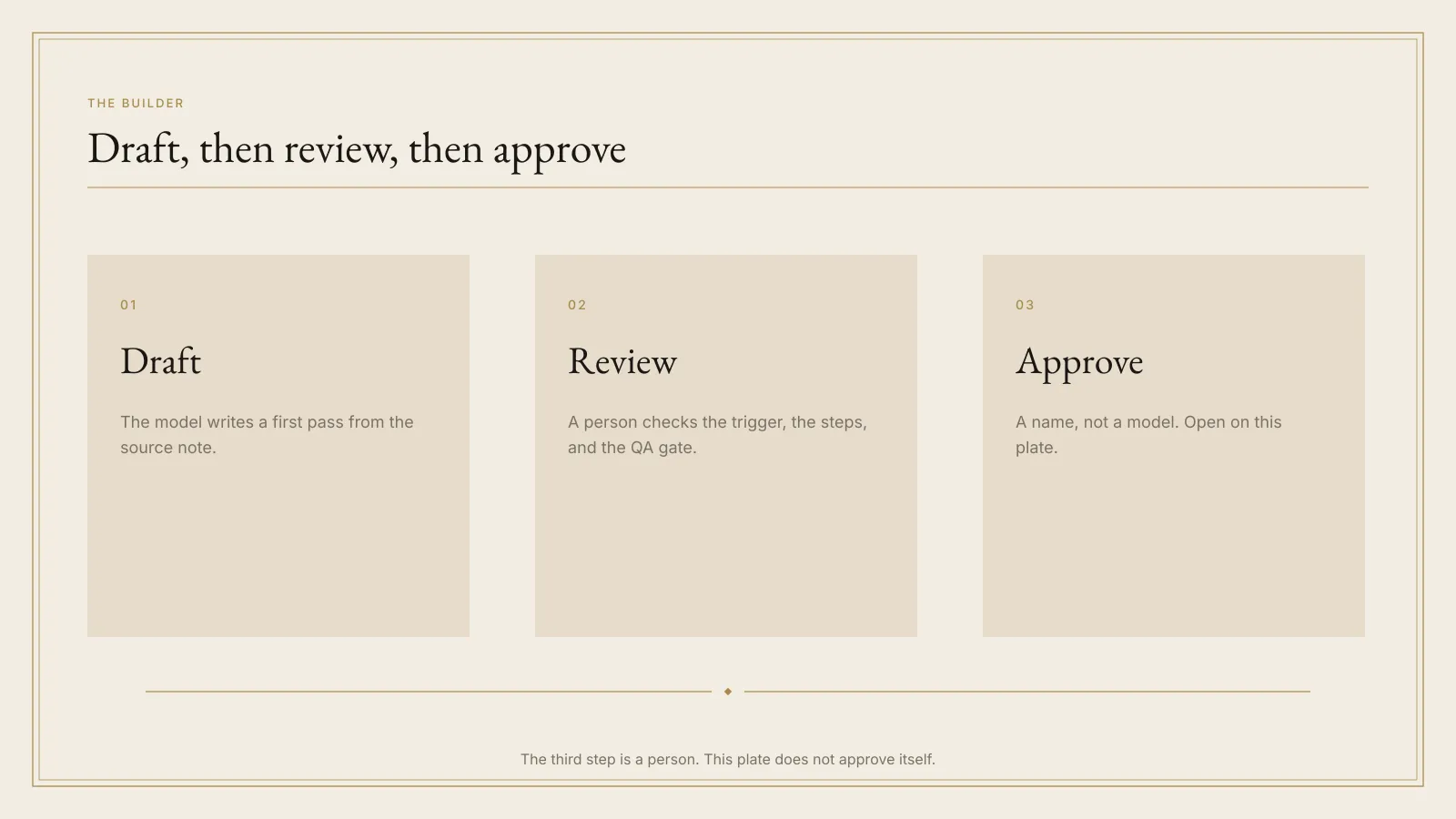
A small team takes one repeating job from notes to a page someone will sign, in one sitting. Approved is a person’s name, not a model’s.
Lookbook · 5 plates
Not for
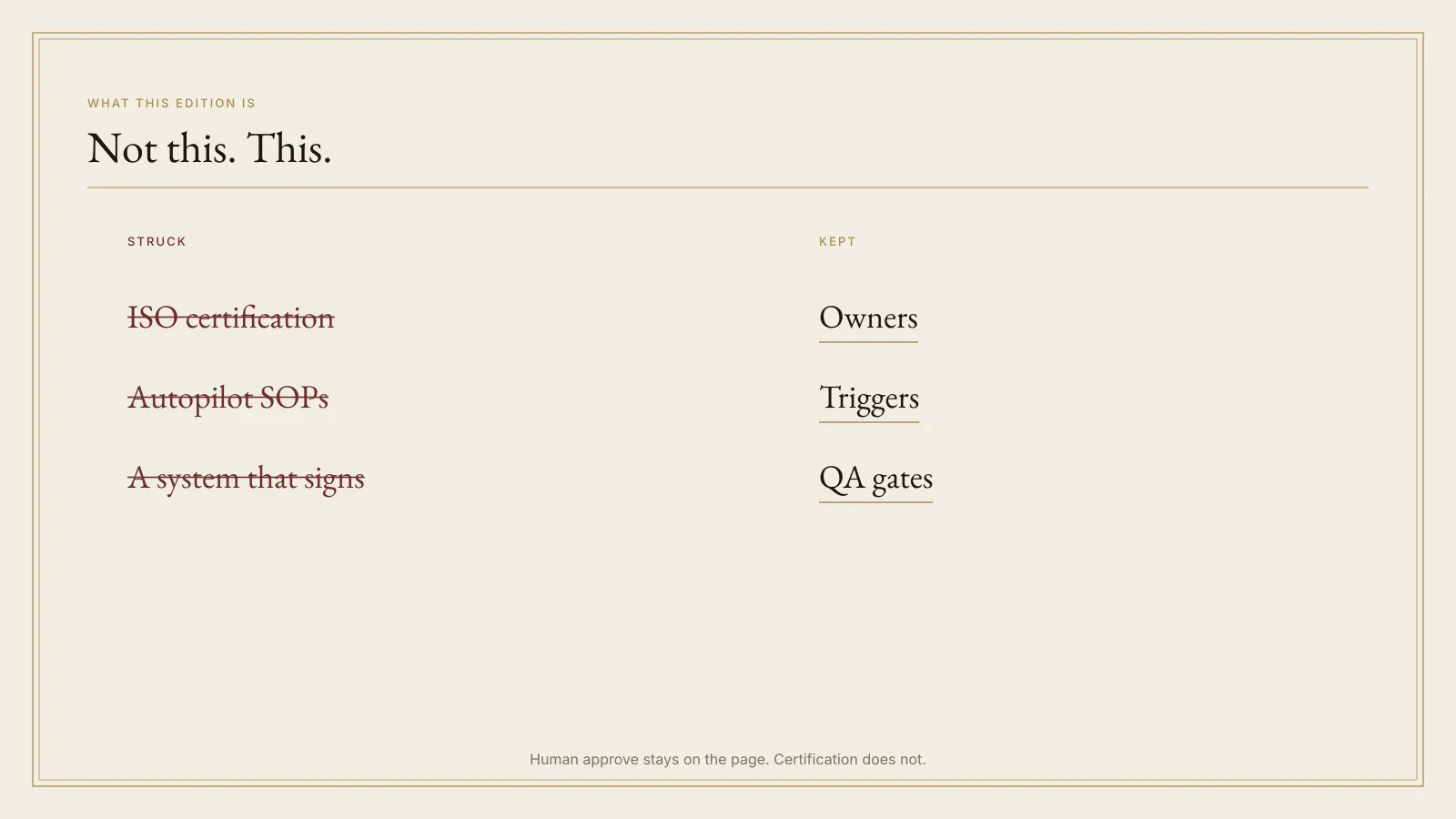
- ISO certification, a GRC platform, or an audit you can hide behind.
- Autopilot SOP generation with no human review.
- An n8n, Zapier, or Make graph that files the procedure for you.
- Medical, legal, tax, or financial advice. A refund procedure here is a working note, not a policy from counsel.
How it moves
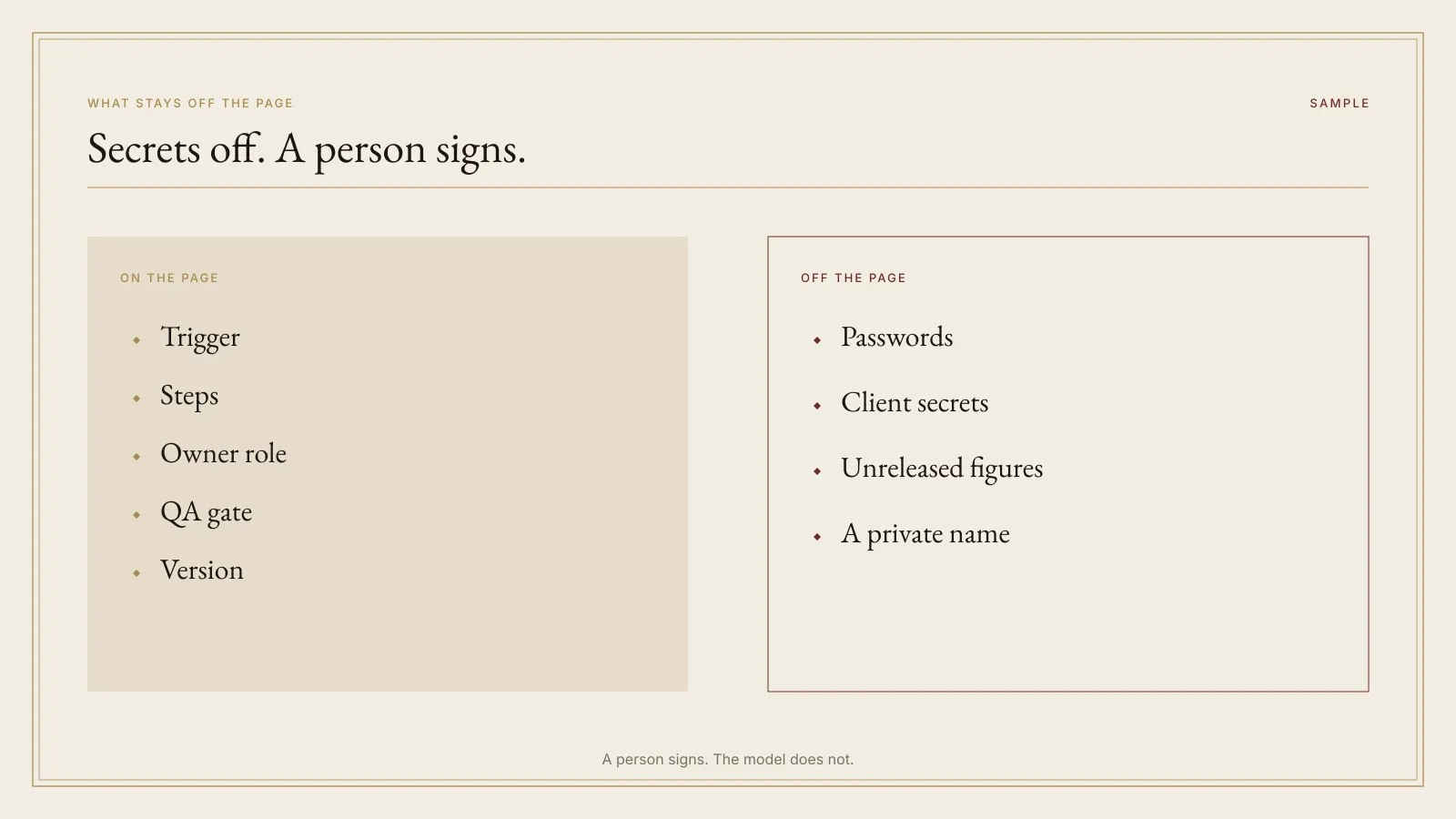
Optional. Only on notes you are allowed to paste.
Repair the page on your machine. A model does not mark it done.
Approved is a person’s name. Nothing in the folder watches a form or files the page.
What’s inside
The files
- Seven fields Trigger, steps, owner, tools, risks, a QA gate, and a version. A page missing one is still a draft.
- Eight role cards Who may sign, and who may only draft. On a team of one, owner and approver may be the same person. A model is neither.
- Draft, critique, approve One sitting when the notes already exist. Status becomes Approved only when the gate has a person’s name.
- Six examples Synthetic procedures, including a refund note. They are specimens, not a quota, and not advice.
- Two vaults Markdown files, or a Notion spec you build. There is no public duplicate link in v0.9.0.
- A later team license List $79 and launch $59 are this file set. A $149 team license is catalog intent only and is not sold here.
License, in short
What the files allow
You may use the kit on procedures your team actually runs. You may not resell the kit, the schema, the role cards, the examples, or the sample sitting. A model may draft. It does not approve. Intended refund, once a sale exists: fourteen days, purchase price back, license ends, copies deleted. Checkout terms control that sale.
Plain answers
Before you rely on the plate
What do I get?
A file kit: a seven-field schema, a blank page, eight role cards, six synthetic SOPs, a draft-critique-approve path, a human approve gate, a do-not-paste note, a Notion spec, and a Markdown vault. You do not get a video, a public duplicate link, or a tool that files procedures.
Does the model approve the SOP?
No. Draft and In critique may quote a model. Approved may not. The approve line is a human.
What are the two prices?
List $79. Launch $59. A later team license at $149 is a note only. It is not a second file set and not a checkout on this page.
Do I have to use a model?
No. The schema is paper. The critique can be done by hand. You send every message yourself.
Also on the shelf
Other editions
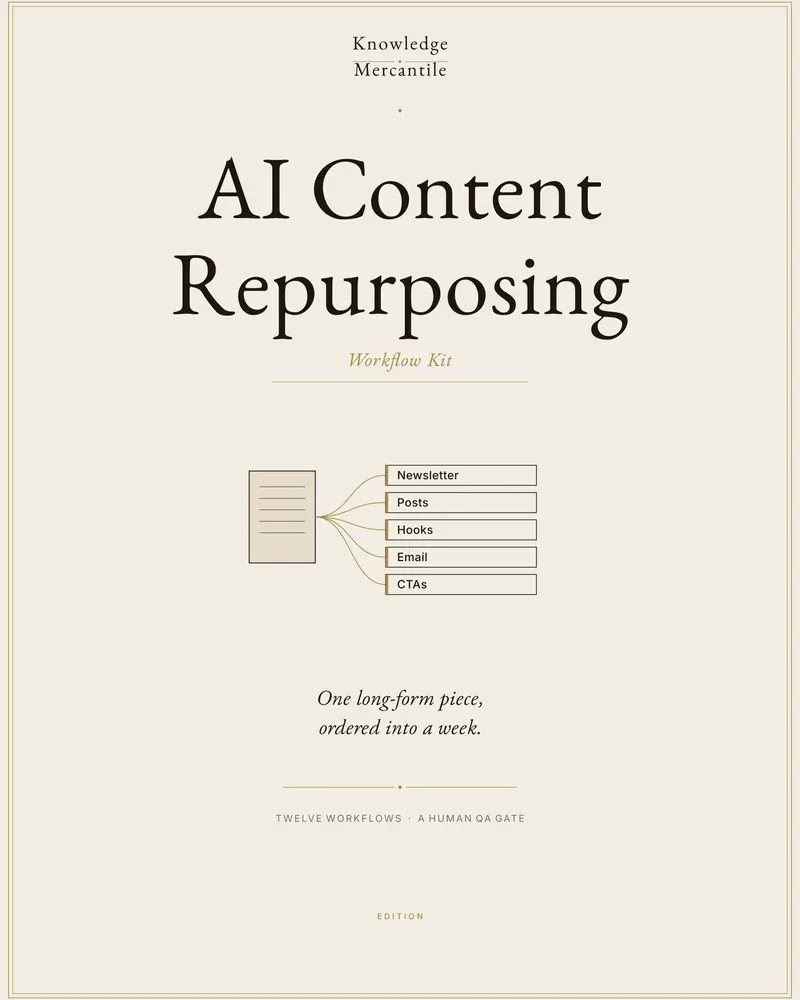
AI Content Repurposing Workflow Kit
Turn one long piece you already have the rights to reuse into a week of on-brand cuts, with a human scorecard before anything is published.
On the counter · Basic shelf Launch $29 · list $39
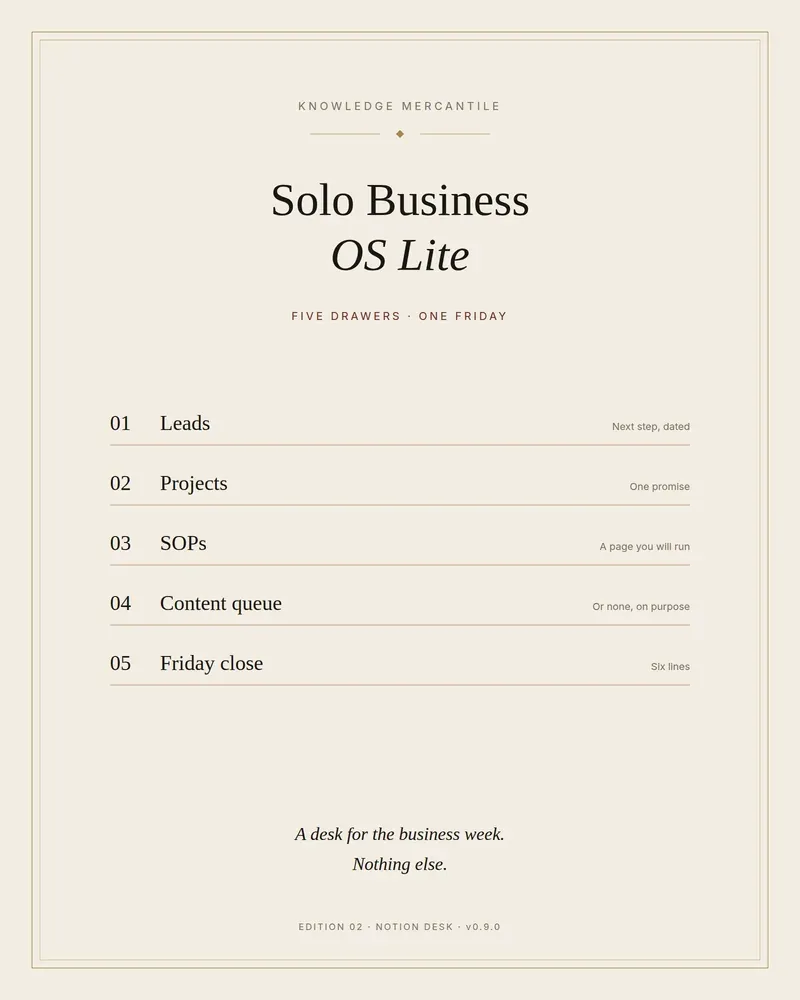
Solo Business OS Lite
Five drawers for a solo week: leads, projects, SOPs, a short content queue, and a Friday close. A sample workspace is already filled.
On the counter · Pro shelf Launch $39 · list $49
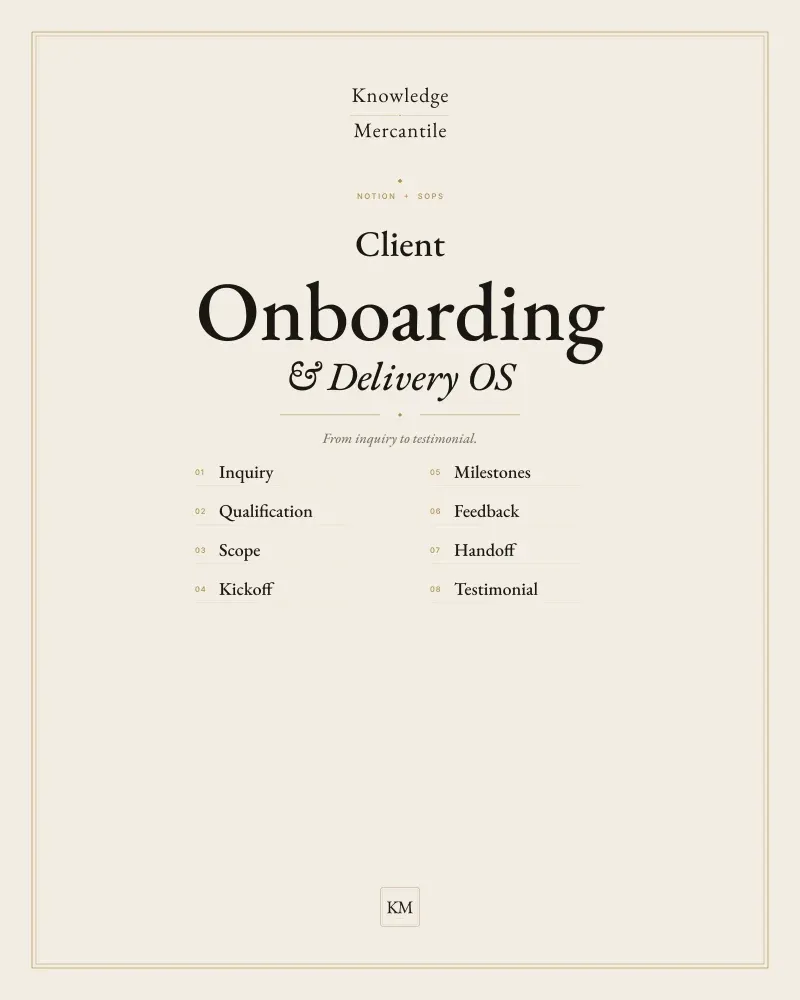
Client Onboarding & Delivery OS
Intake through testimonial in one private Notion workspace, with ten emails a person sends. Not a bloated agency CRM.
On the counter · Pro shelf Launch $49 · list $59