

Write the product name and one outcome line before you open a frame.
Listing gallery
Listing Conversion Kit
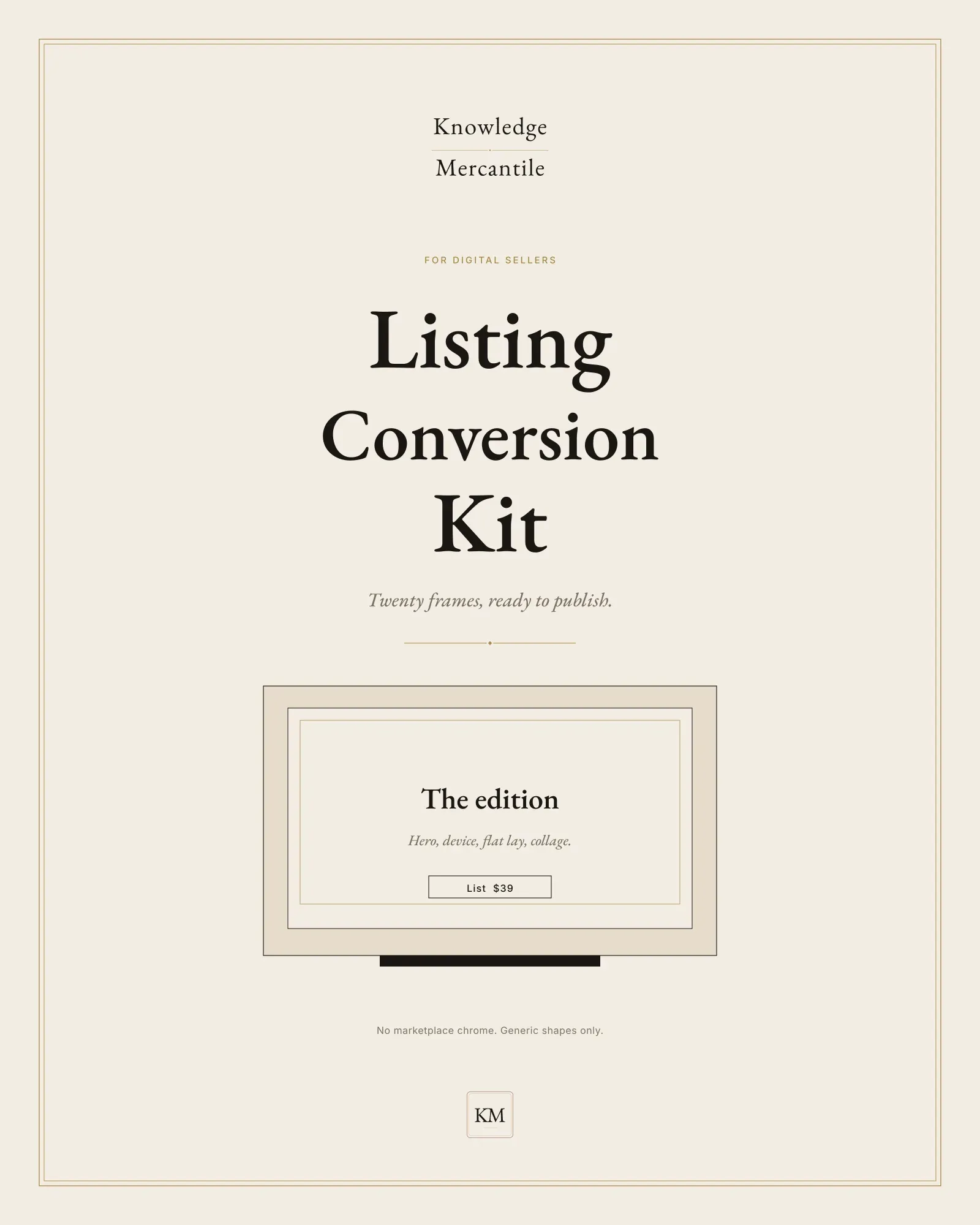
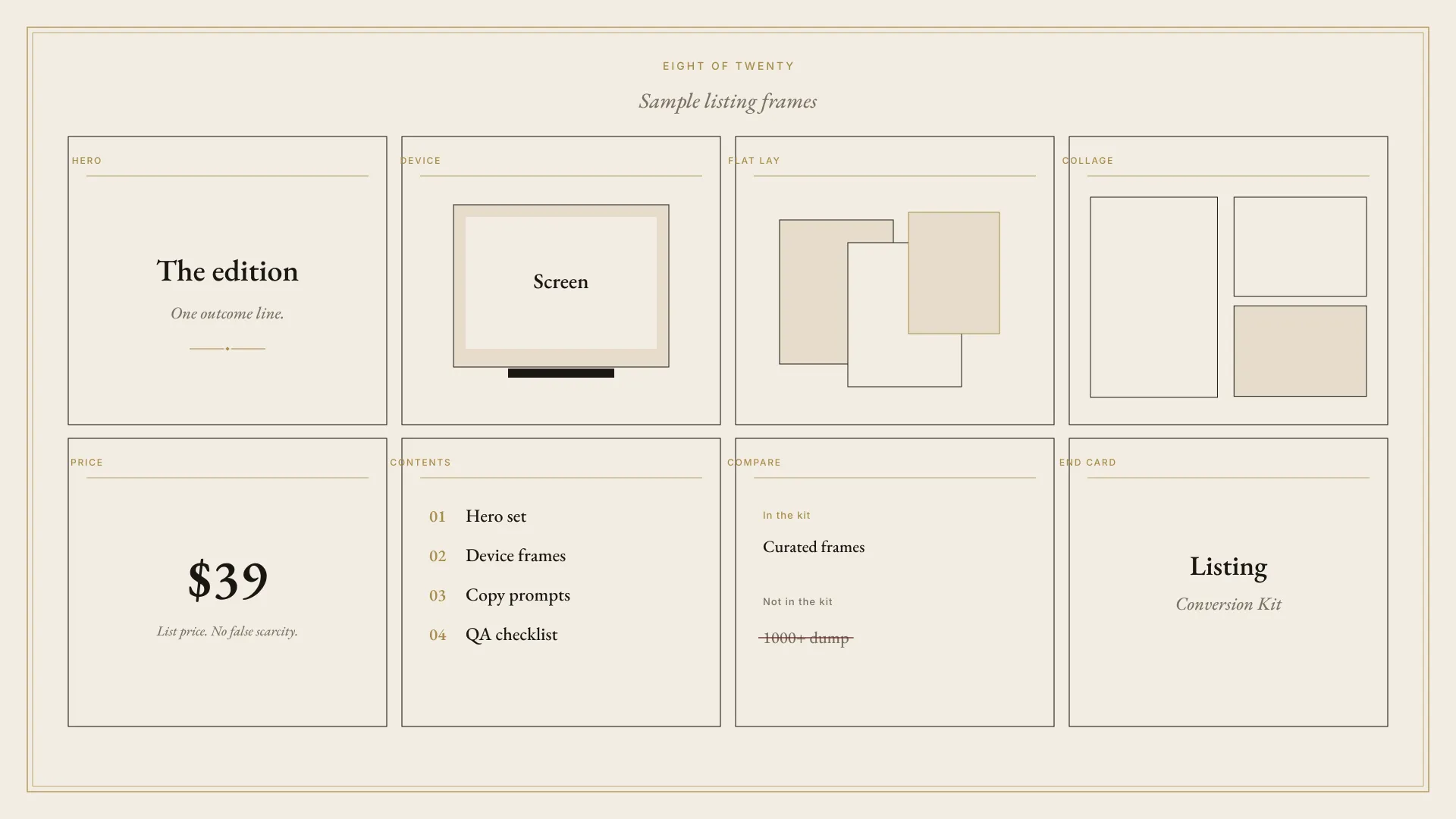
A digital seller publishes a listing from twenty frames — hero, device, flat lay, price, contents, compare, policy — plus the words that go with them. One job per frame.
Lookbook · 3 plates
Not for
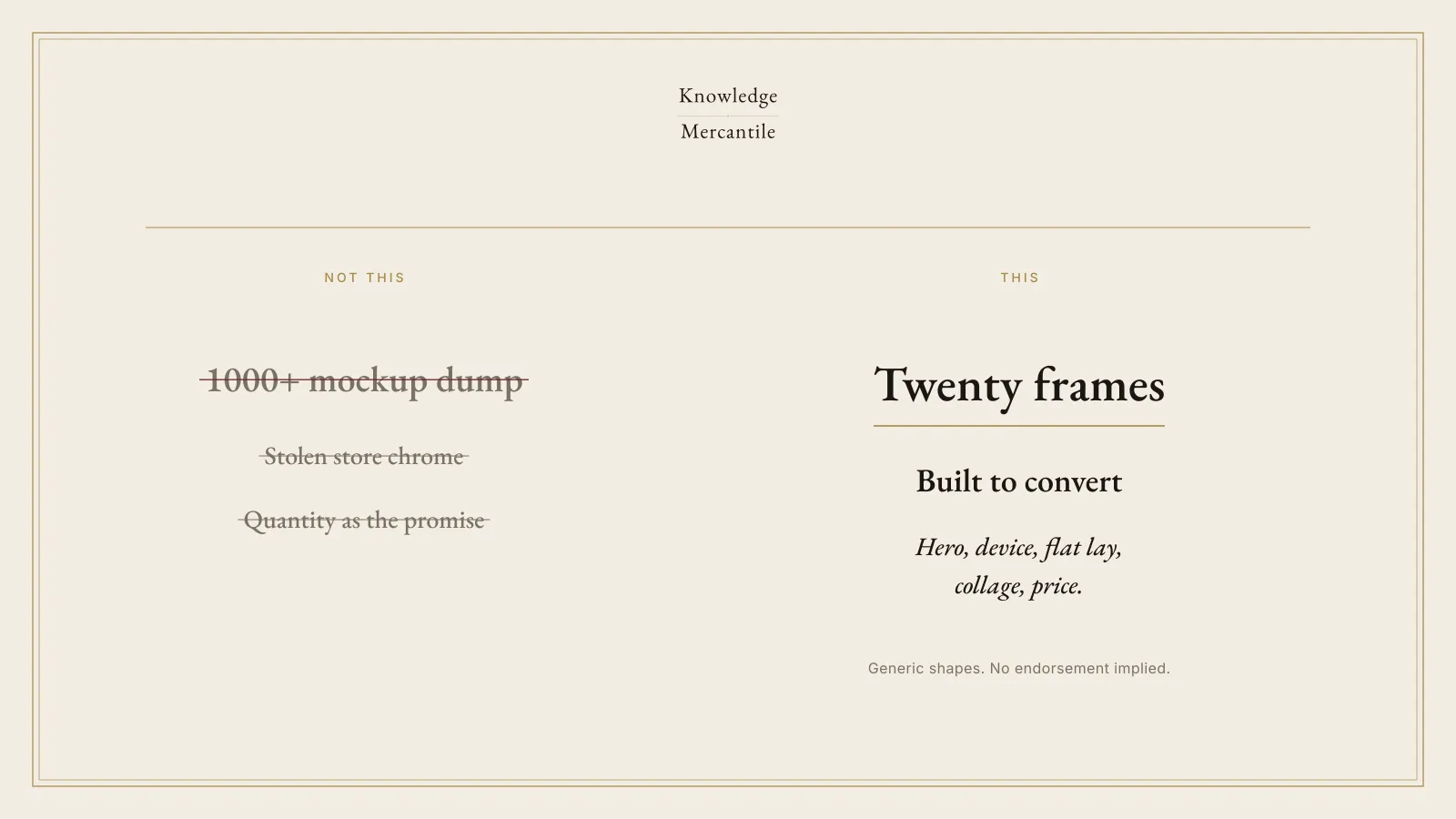
- A 1000-mockup dump, a PLR vault, or a post-and-get-rich pack.
- Marketplace chrome, a vendor device logo, or an implied store partnership.
- Invented reviews, earnings claims, a fake scarcity timer, or a social-card sprint in place of a listing gallery.
How it moves
Title and one line. Every other sentence stays off that frame.
The price plate shows the price you will honor. If it is not public yet, the slot stays empty.
Run the QA checklist on every PNG before you publish.
What’s inside
The files
- Twenty frames Hero through end card. One layout, one job: price, contents, compare, FAQ, refund, and the rest.
- Listing prompts Title, description, search phrases, and one prompt per frame. Cut any line you would not say to a buyer.
- QA checklist Mobile crop, contrast, claims, a ban on store chrome, and a license line.
- Price plate Your list price only. The kit ships with no crossed-out higher price and no countdown.
- Quote frame A structure for a buyer’s own words. No invented reviews are included.
- Specs, not a share link v0.9.0 says CANVA_LINK_PENDING on every layout. Rebuild from the spec. A missing link was never issued.
License, in short
What the files allow
You may publish and sell your finished listing images, and the product those images describe, when you hold the rights to the words and the mark. You may not resell the kit, the specs, or the templates. No frame promises income. Intended refund, once a sale exists: fourteen days, purchase price back, license ends, copies deleted. Checkout terms control that sale.
Plain answers
Before you rely on the plate
What is in the folder?
Twenty layout specs, SEO and per-frame copy prompts, a listing QA checklist, a brand guide, a license, and a lookbook. You do not get a live store, a video file, or a Canva share URL.
Why is there only one price?
List $39. This kit does not use a launch price, a crossed-out higher price, or a countdown.
Where is the Canva link?
v0.9.0 does not include one. Each spec says CANVA_LINK_PENDING. Build from the spec. You do not need Canva Pro. If a control shows a Pro crown, skip it.
Will this raise sales?
The kit does not say that it will. It gives you frames and a checklist so a listing can be published without invented reviews or store chrome.
Also on the shelf
Other editions
Held 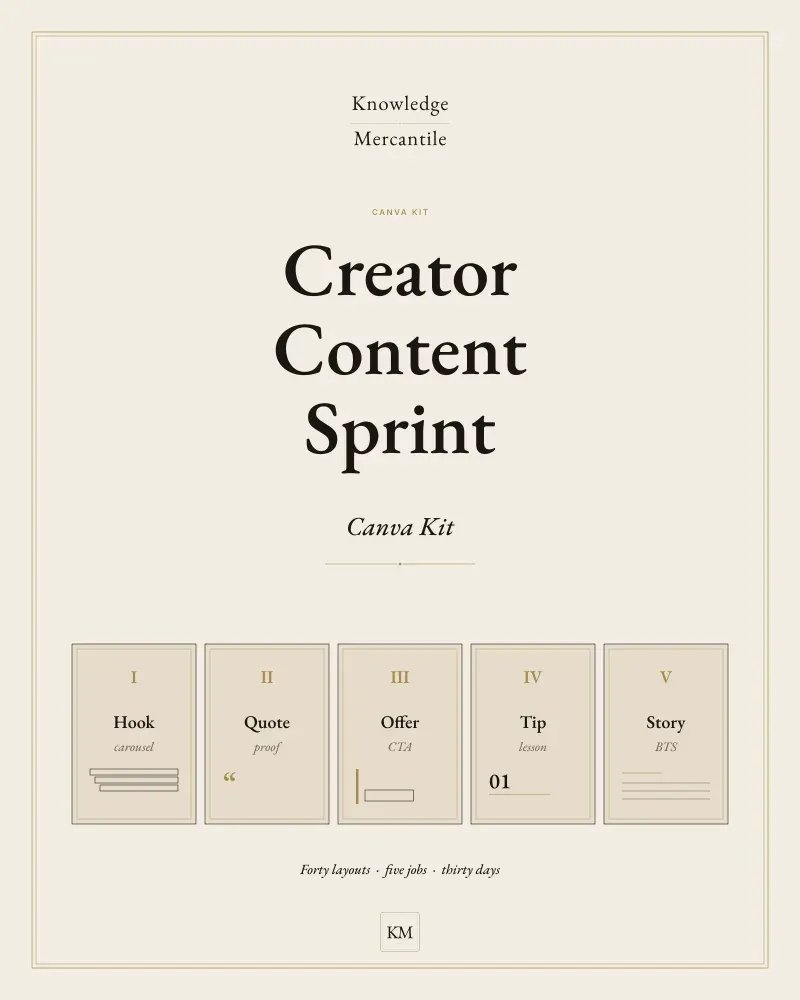
Creator Content Sprint Canva Kit
Forty original layouts across five content jobs, a thirty-day calendar, caption prompts, and a brand guide. A sprint, not a template dump.
Not for sale · Basic shelf Announced $19 · list $29
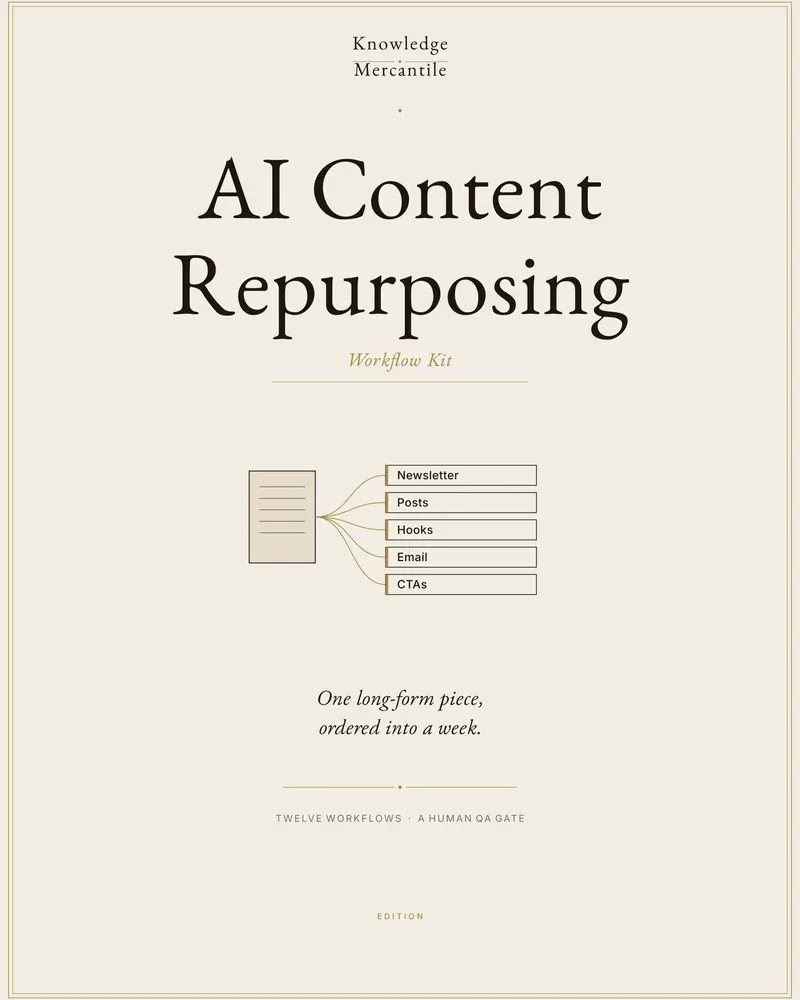
AI Content Repurposing Workflow Kit
Turn one long piece you already have the rights to reuse into a week of on-brand cuts, with a human scorecard before anything is published.
On the counter · Basic shelf Launch $29 · list $39
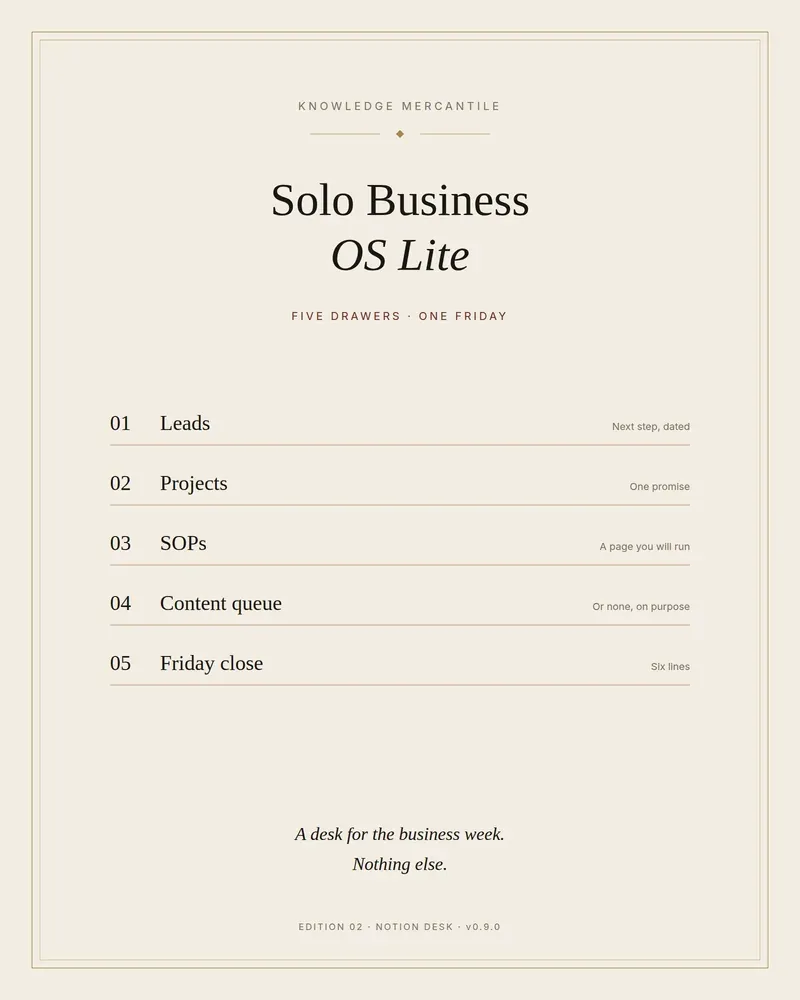
Solo Business OS Lite
Five drawers for a solo week: leads, projects, SOPs, a short content queue, and a Friday close. A sample workspace is already filled.
On the counter · Pro shelf Launch $39 · list $49