
The calendar names today’s layout. Skip any row still marked for resize.
Edition 03 · Canva kit
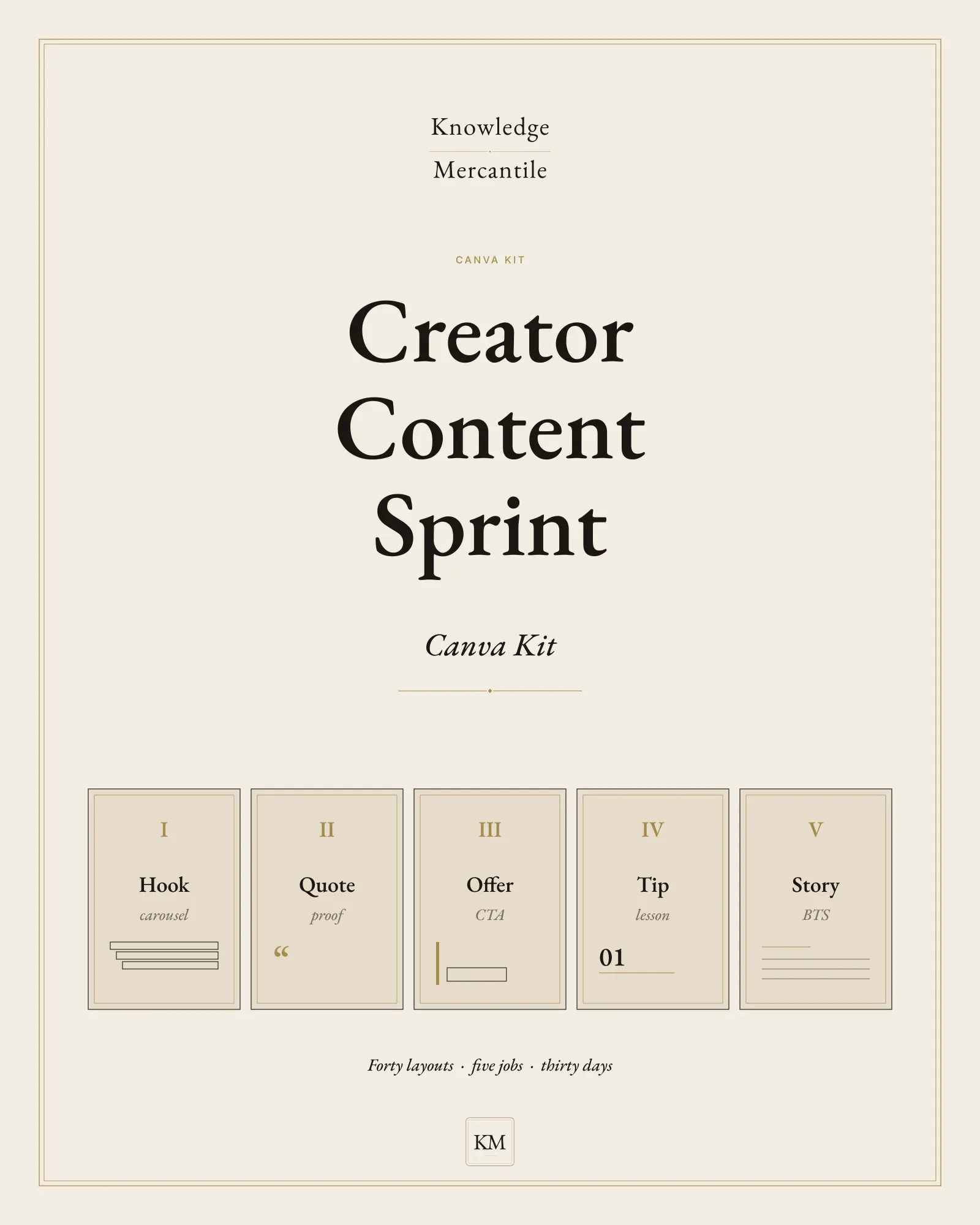
Creator Content Sprint Canva Kit
A creator finishes a focused month with forty layouts, five jobs, a calendar, and caption prompts — Canva-ready, with a license that covers finished exports and not the kit.
Lookbook · 5 plates
Not for
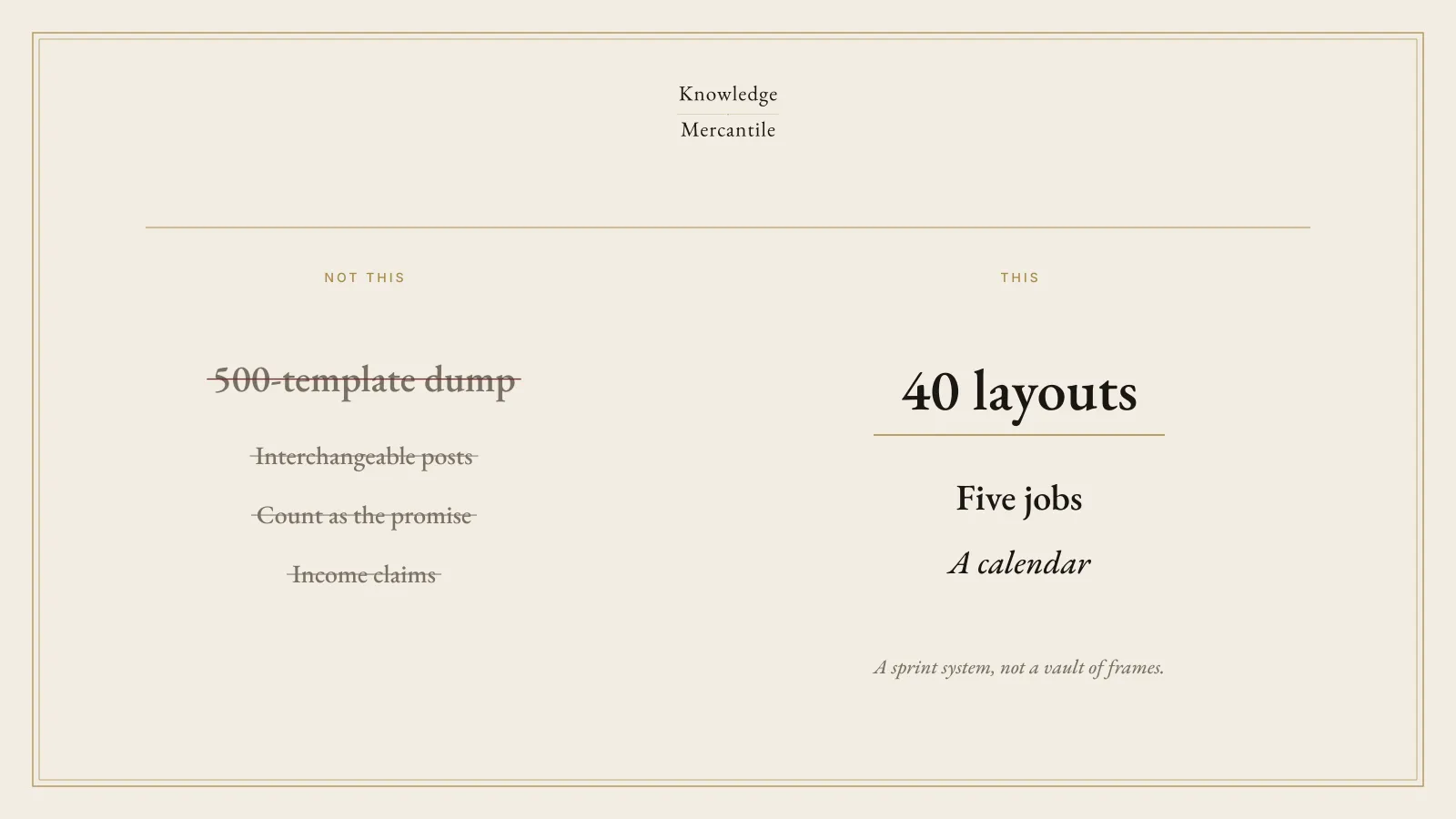
- A 500-template vault, a PLR pack, or a post-and-get-rich promise.
- An agency multi-brand system, or trademarked franchise art.
- A Notion operating system, or a client delivery desk.
How it moves
Use the layout as a template, or make a copy. Delivery in this version is links, not a buried file.
One caption from that job’s prompt. No invented deadline.
Export PNG and run the mobile checklist before you schedule.
What’s inside
The files
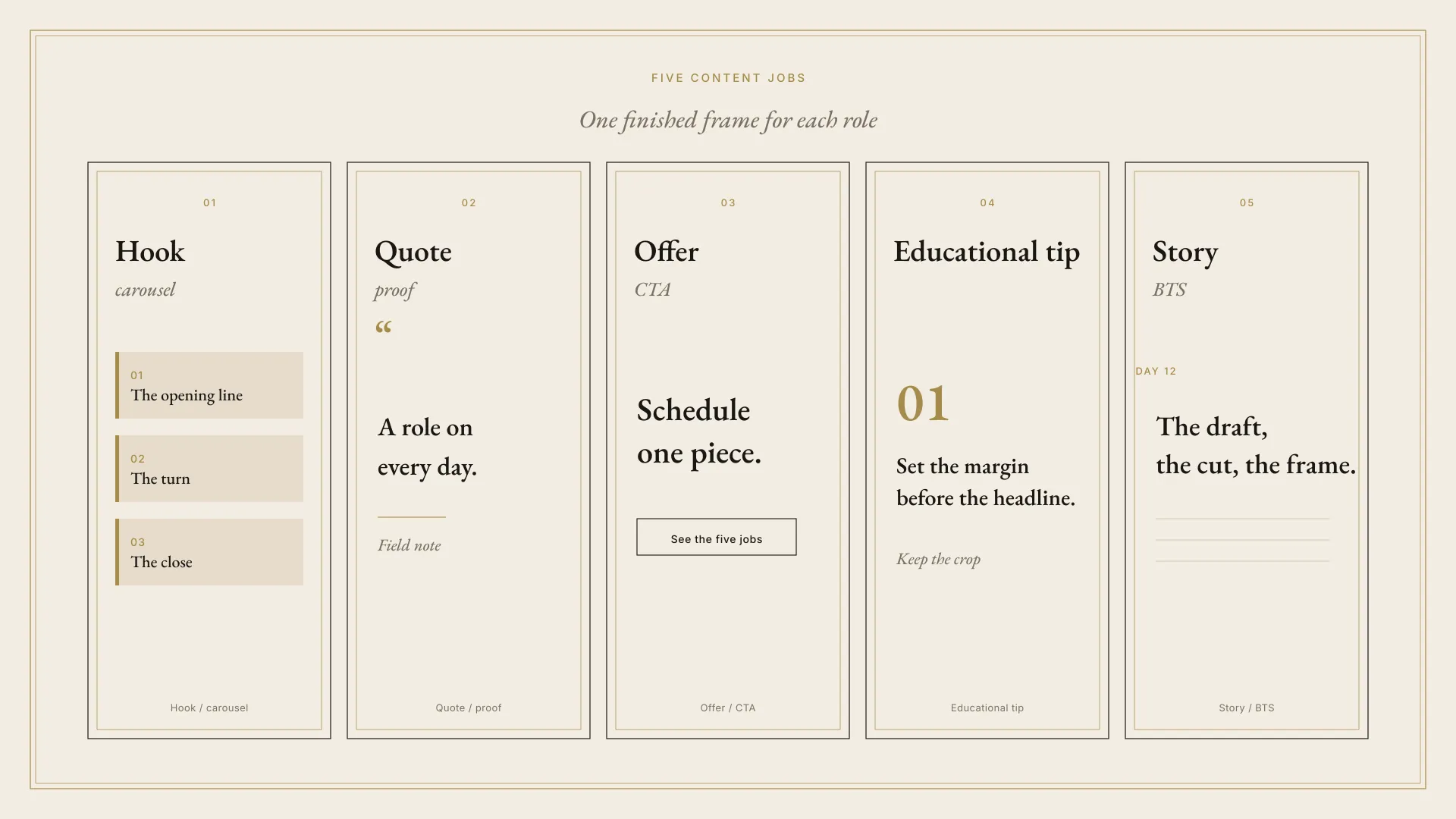
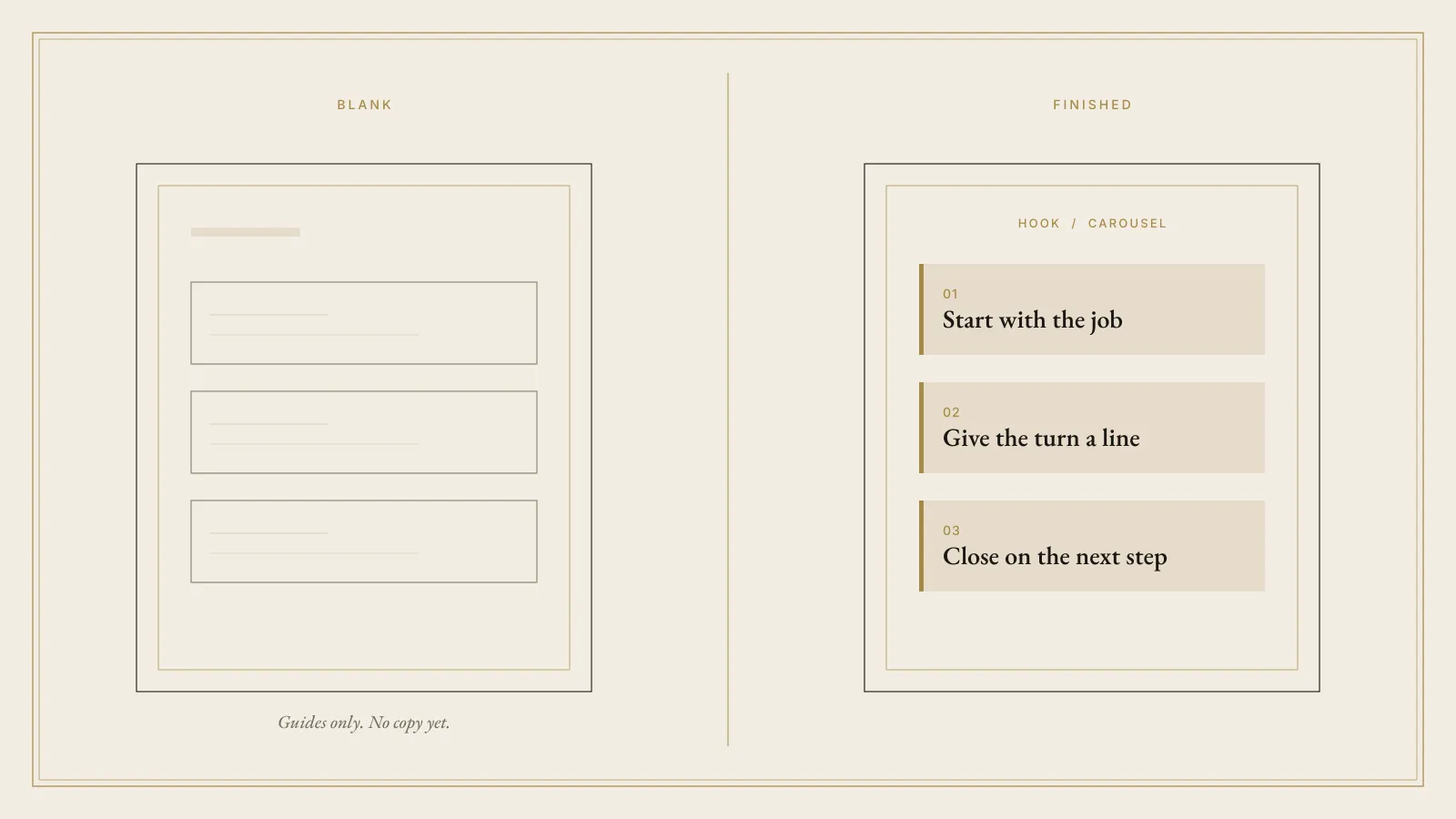
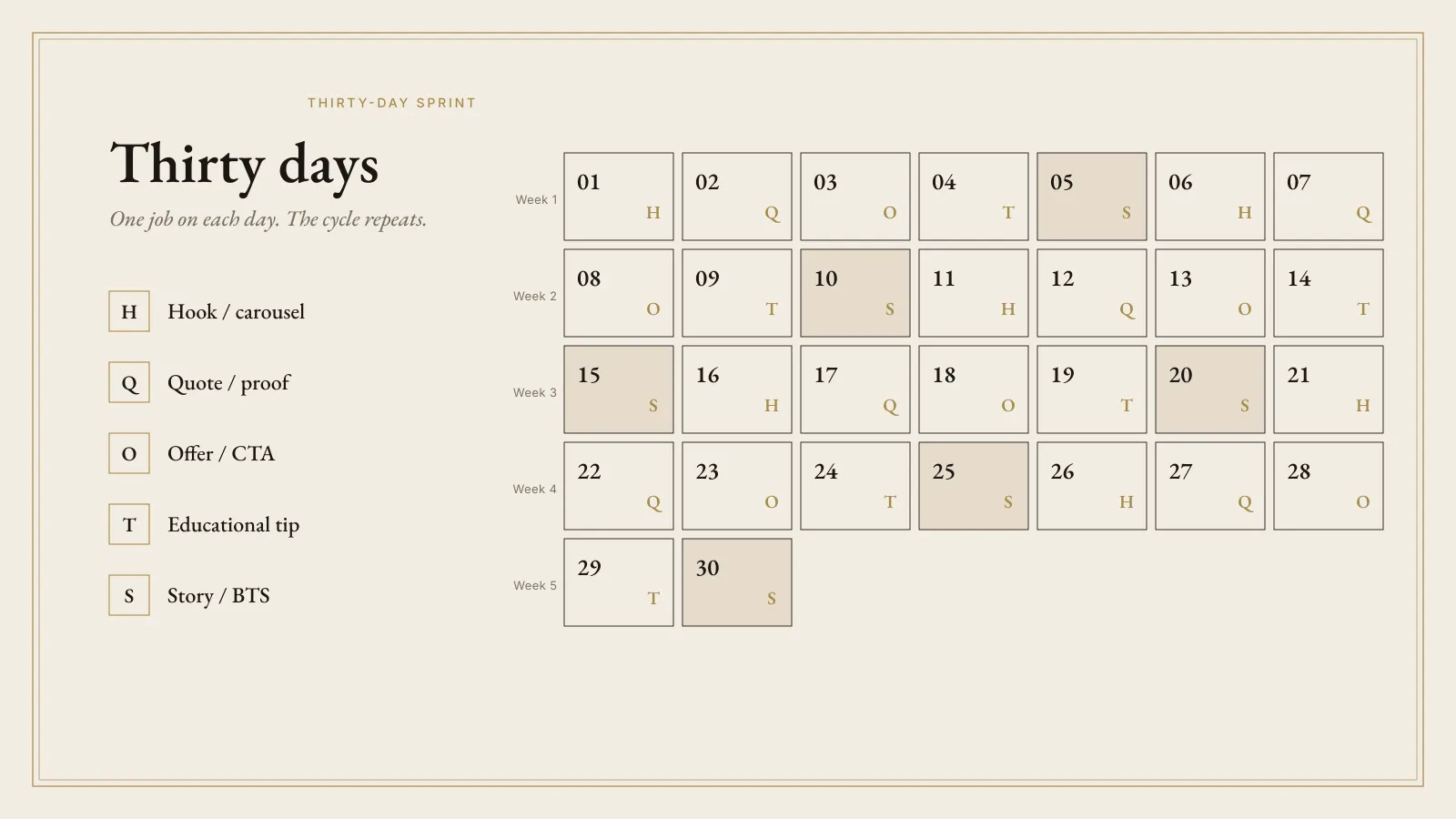
- Forty layouts Hook, quote, offer, educational tip, and story. Eight frames each.
- Thirty-day calendar Each day names one layout ID. Offer days still need a true next step.
- Caption prompts One model-neutral prompt per job. Cut any line you would not say out loud.
- Brand guide Defaults are ready to use. Your colors do not change the license.
- Export checklist PNG, then a phone check. Sixteen layouts are still waiting on a studio resize before a live listing.
- License You may post and sell finished exports. You may not resell the kit, the specs, or a template made from them.
License, in short
What the files allow
Finished exports are yours to post and sell, when you hold the rights to the words and the mark you place on them. The kit, the specs, and templates made from them are not for resale or for handing to a client as the work product. No layout promises income. Intended refund, once a listing exists: fourteen days, purchase price back, license ends, copies deleted. Checkout terms control that sale.
Plain answers
Before you rely on the plate
Is this 500 templates?
No. Forty layouts, five jobs, one calendar.
Do I need Canva Pro?
Not to duplicate a layout that is already the right size. The studio files were made on a Free account. Sixteen layouts are still 1080×1350 and must be resized before a live listing. If a control shows a Pro crown while you edit your copy, skip it.
Can I sell the cards?
You can sell and post your finished exports. You cannot sell the kit, the specs, or a Canva template made from them. You can deliver finished PNGs to a client. You cannot deliver this folder.
Will this grow an account?
The kit does not say that it will. It gives you a month of cards with a job for each day.
Also on the shelf
Other editions
Held 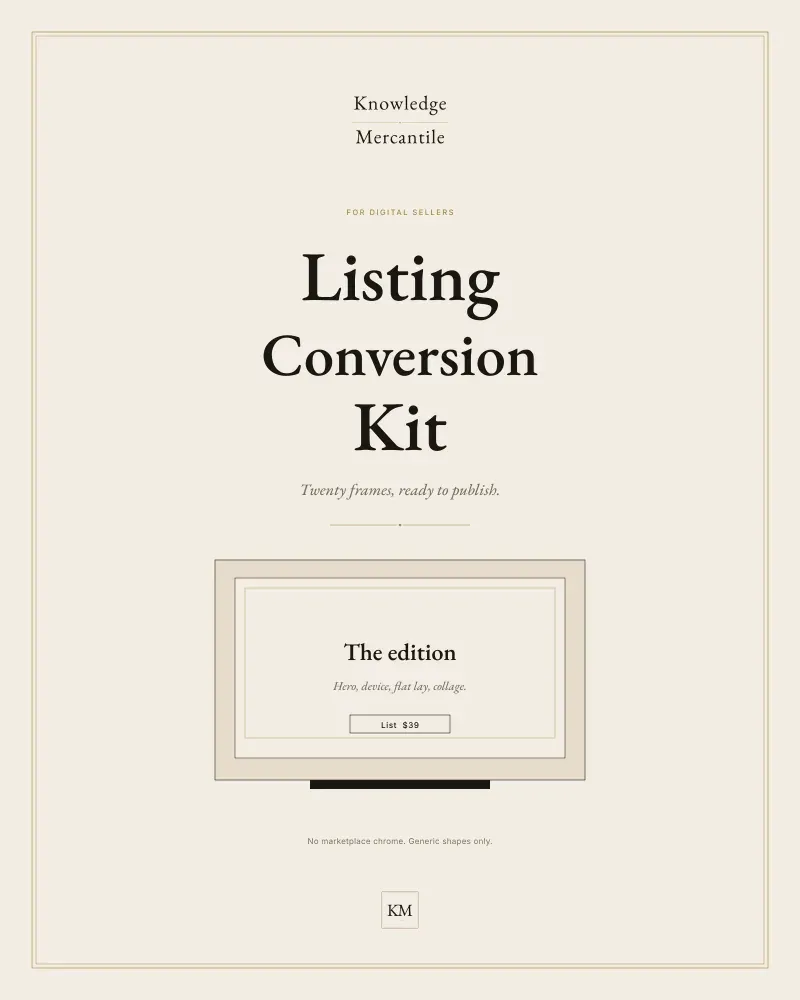
Listing Conversion Kit
Twenty conversion frames, listing prompts, and a QA checklist. One list price. No crossed-out higher price and no countdown.
Not for sale · Basic shelf Announced $39
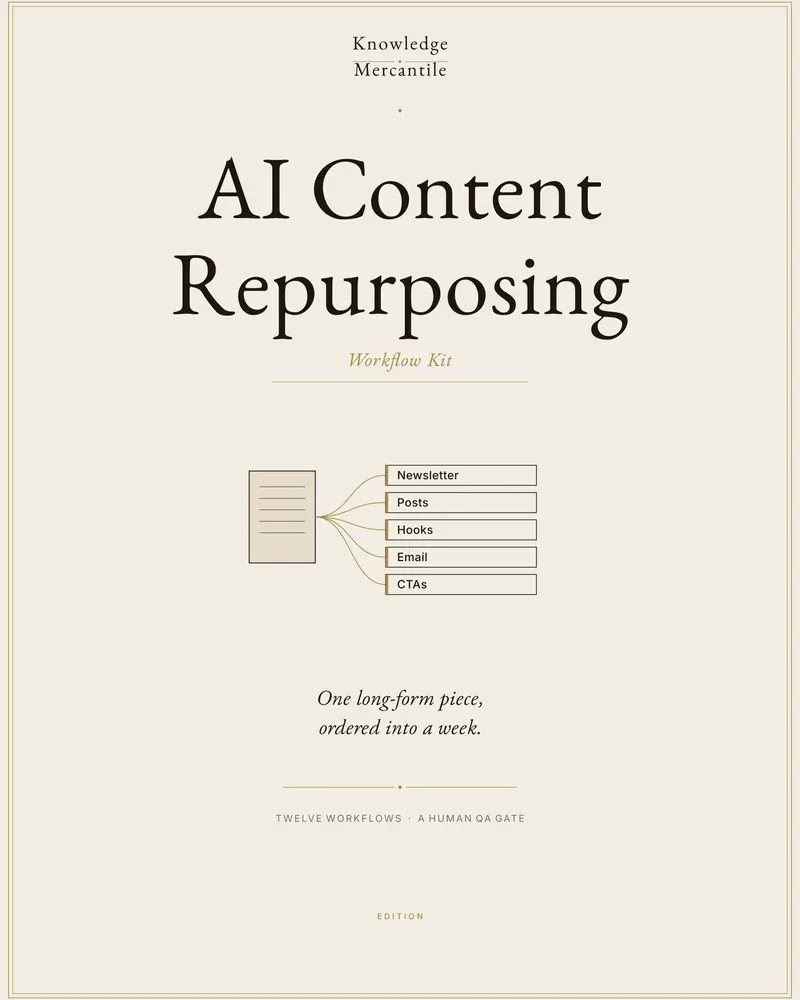
AI Content Repurposing Workflow Kit
Turn one long piece you already have the rights to reuse into a week of on-brand cuts, with a human scorecard before anything is published.
On the counter · Basic shelf Launch $29 · list $39
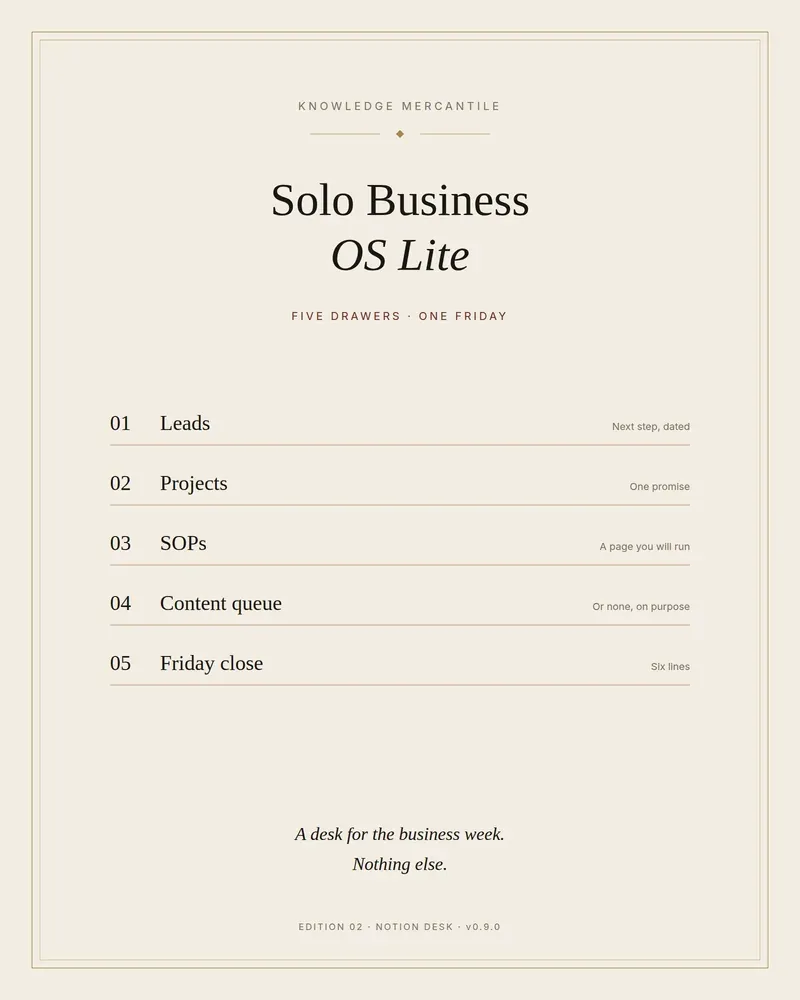
Solo Business OS Lite
Five drawers for a solo week: leads, projects, SOPs, a short content queue, and a Friday close. A sample workspace is already filled.
On the counter · Pro shelf Launch $39 · list $49